Click on the link to the article or press review to access the desired article.
Once completed, the following interface will appear.
Once completed, the following interface will appear.
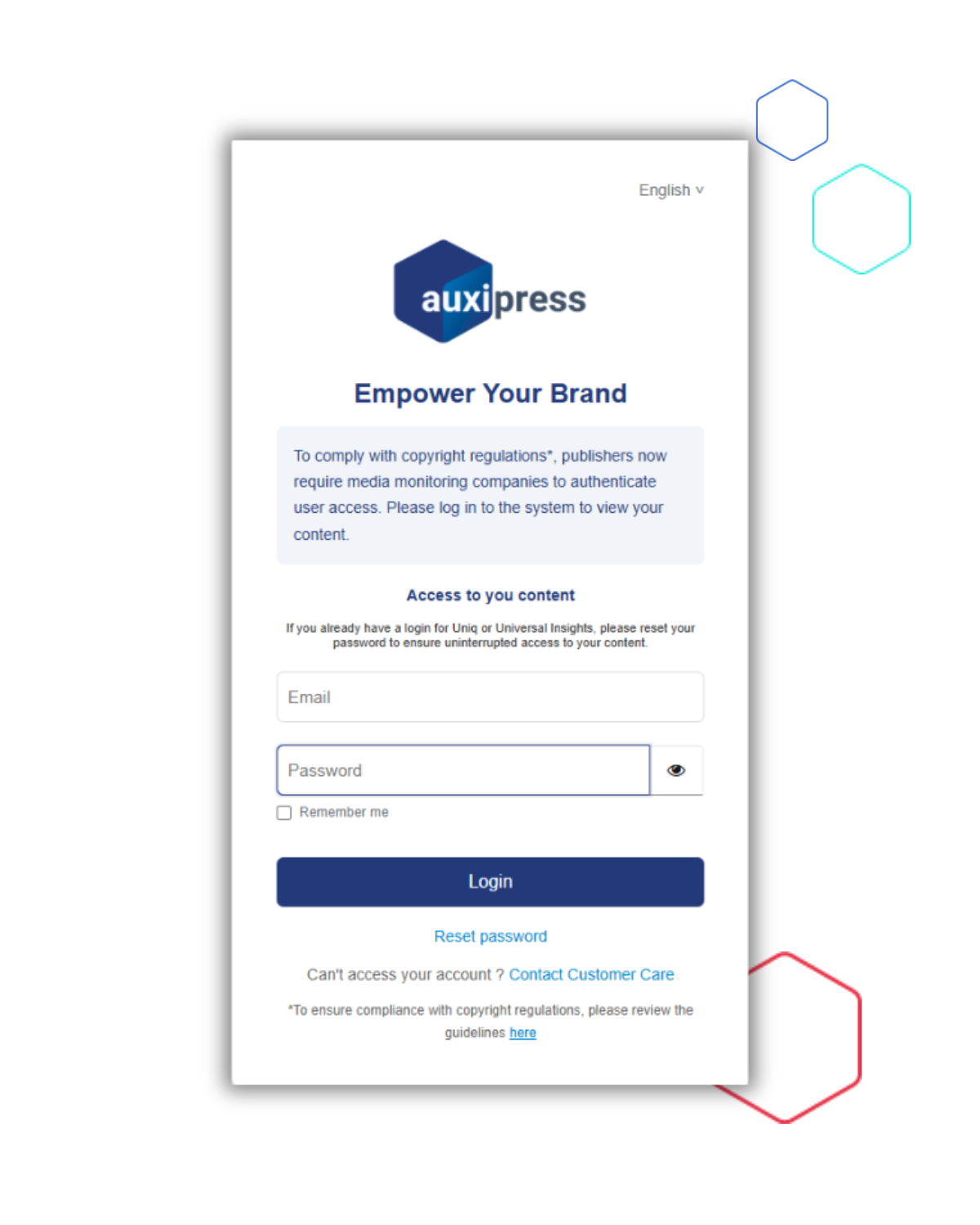
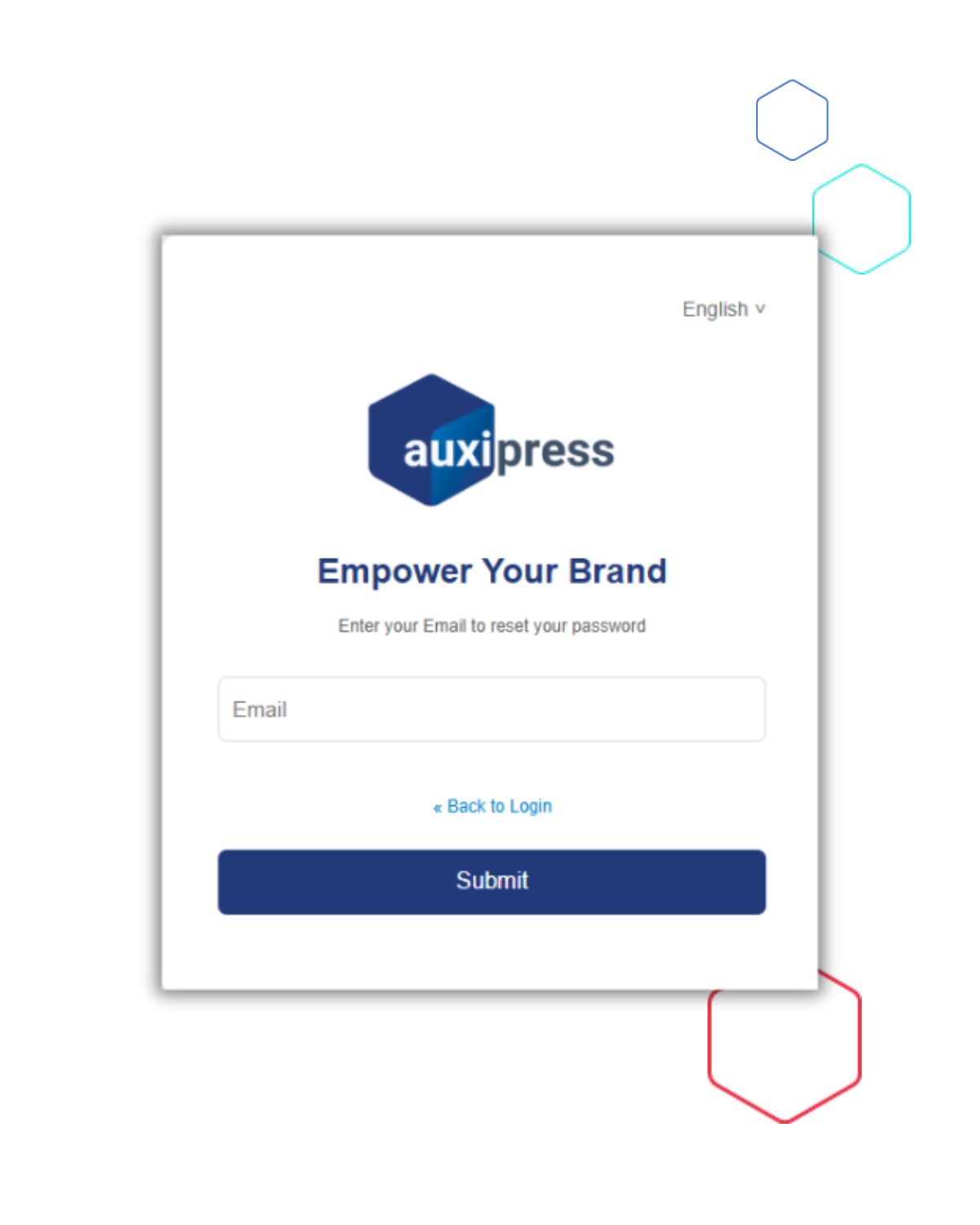
The window below will open, prompting you to register your email address.
You will also receive an email with a link to proceed.
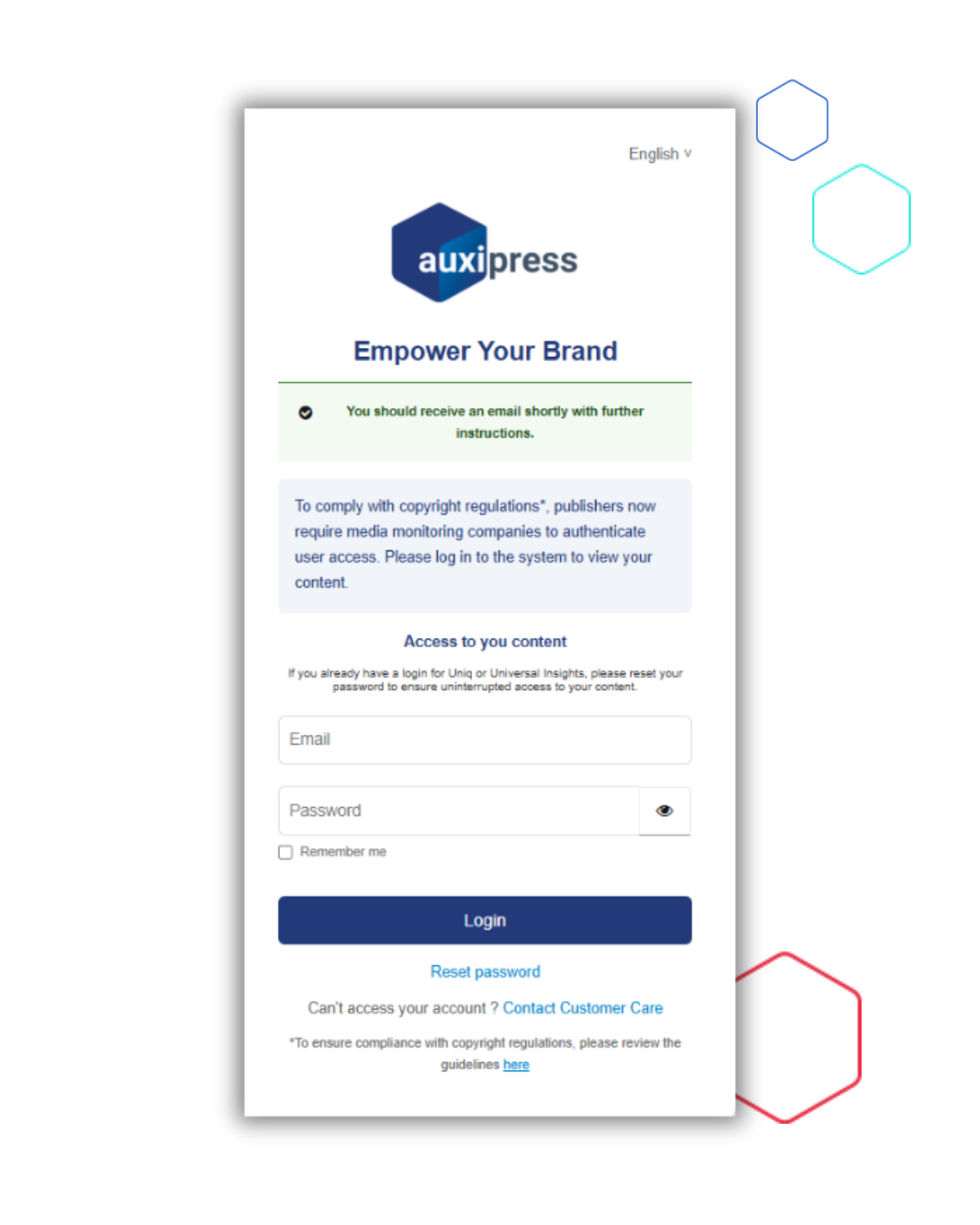

NB : the link expire after 10min.
Please click on the “Change login details” link.
All you need to do is set up your password before you can access your content.

Our Customer Care service is at your disposal.
You can contact them by email at [email protected] or by phone at +32 (0)2 550 10 10.